instagram web
application redesign
A simple question: what are people trying to do when they access Instagram via desktop and where does the platform fail them?
All code for this project was written from scratch by me, without direct AI assistance.
Before jumping into ideating solutions and creating interfaces, it was important to ground the project in real user behavior. I conducted an open-ended survey to better understand how users currently engage with the platform, and learn directly from them where misalignment stemmed.
The survey focused on frequency of use, friction points, and perceived usability under both environments.
ease of search comparison
Mobile App
Web Application
platform usage frequency
Mobile Usage
Web Usage
Across both charts, one pattern remained consistent. Mobile users found things easy, and engaged with the app on a more frequent basis. Web users struggled on the same tasks and visited notably less frequently. Generally, web users also engaged only with a primary goal in mind, while mobile users engaged in a more casual format. The web app is treated differently than the mobile app, but the web app does nothing to aid that difference.
additional user insights
Web Interaction Level
Messaging Ease
Messaging was a large standout here. Almost nobody rated it as “easy” on web. Interaction levels were moderate across the board, but messaging ease was lopsided enough to justify it as a core focus of the redesign.
reported user frustrations
Desired Improvements
The survey made one thing clear: desktop users come to Instagram with intent. They're searching for specific accounts, responding to messages, or browsing content they've already been pointed to. The mobile app handles passive scrolling well, but the web app forces that same passive layout onto users who are trying to do something specific.
That reframing shaped every decision. Instead of redesigning the entire platform, I focused on three areas where desktop behavior diverged most from what the interface supported: search, messaging, and content discovery.
The existing web app separates search and stories into different interaction points, requiring users to navigate away from their feed to access either. Putting them in one component keeps the user in context while giving both features a persistent home. It does make the top section denser, but the survey showed users cared more about quick access than visual breathing room. The other option was improving search and stories independently, keeping them in separate places. But that still would have required users to leave their feed for either one, which was the core problem.
Messaging was buried behind navigation that mirrored the mobile app's icon-based layout. On desktop, users have the screen space for a visible messaging panel with unread indicators. Making it visible drops the clicks to check messages from three to zero; that matters when "respond to messages" is one of the main reasons people open the web app at all. I considered a chat overlay that pops up on demand, similar to Facebook's web messenger. But an overlay still hides conversations by default, and the survey showed that people were specifically frustrated by not being able to see unread messages without clicking through.
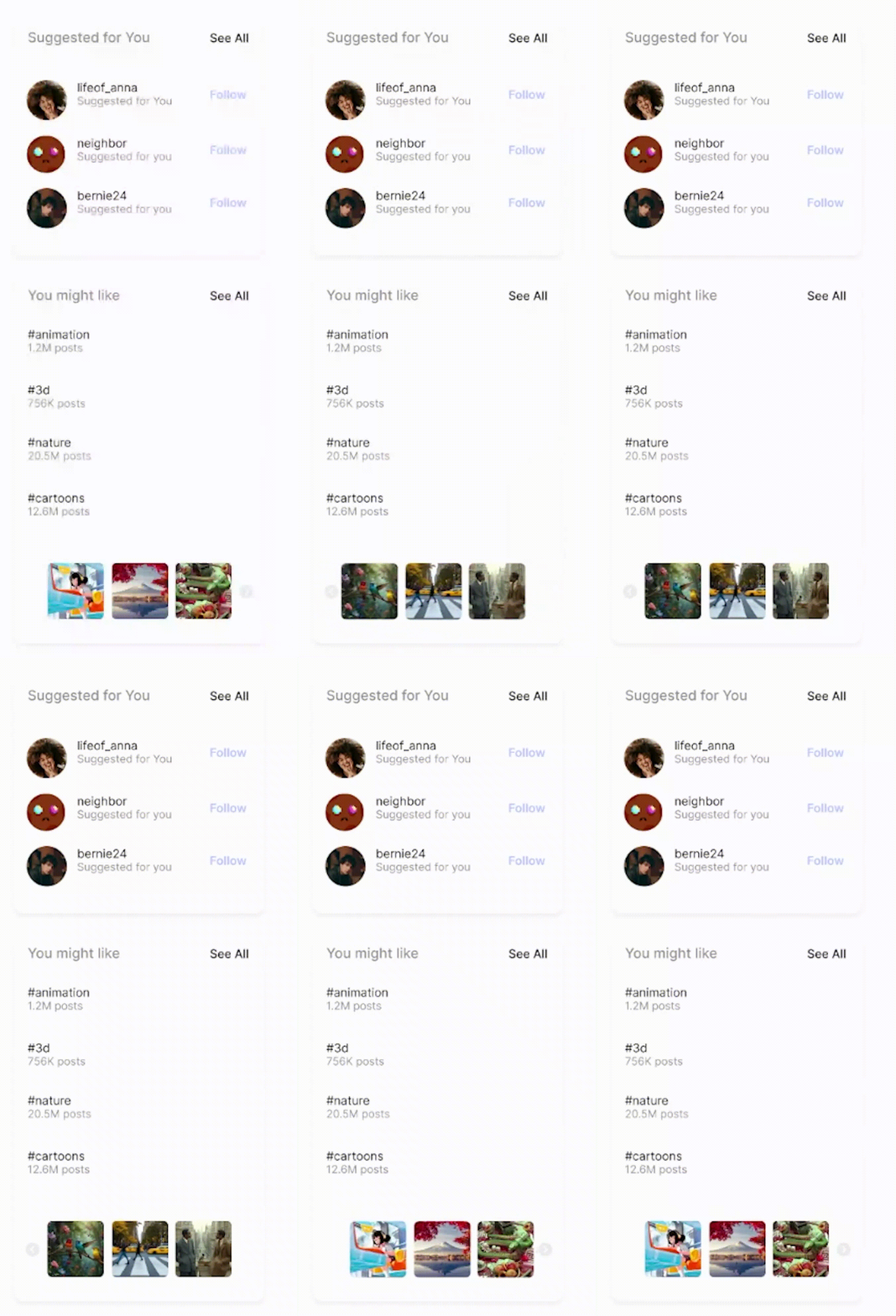
The current explore page mixes algorithmic recommendations with search results. I split these into a dedicated discovery tab, separate from search. Users can browse for new content on their own terms instead of having it show up in their search flow. The simpler approach would have been to just improve the existing explore page. But the explore page tries to serve two different goals at once, and the survey data showed that users who wanted to search and users who wanted to browse were frustrated for different reasons. Splitting them apart was cleaner than trying to fix both problems in one view.
Comments expand in a sliding panel instead of navigating to a new view, so users never lose their scroll position in the feed.
Reels were mixed into the main feed despite being a fundamentally different content format. A separate tab lets users opt into short-form video instead of having it interrupt their browsing.
Reduced the nav bar from icon-only to labeled items for the most-used actions. Desktop users have the space for text labels, and the survey showed navigation clarity was a top frustration.
Post metadata, interaction counts, and timestamps were reorganized to create a clearer visual hierarchy. The most important information (who posted, what they said) gets emphasis over secondary metrics.
This is a concept redesign, not a shipped product. I kept the scope to the desktop web experience only, and didn't touch the mobile app, account management, ad placements, or creator tools. The goal was to show that the desktop experience could better serve its actual usage patterns without requiring a platform overhaul.
The prototype was built to be realistic enough to evaluate without artificial guidance. I intentionally avoided adding click indicators or interaction hints to the Figma prototype because if the interface needs labels to explain what's clickable, that's an affordance problem, not a presentation problem.
Navigation was consolidated around the actions people actually use on desktop. Messaging moved from a buried menu to a visible panel. And discovery got its own space, separate from algorithmic recommendations. None of these changes came from aesthetic preference; they all started with something specific from the survey.
Looking back, the biggest thing I'd revisit is the research sample. The survey gave me a clear direction, but a larger pool or follow-up interviews would have helped confirm whether the patterns I found hold up more broadly. The decisions feel grounded, but I'm aware they're grounded in a relatively small dataset.